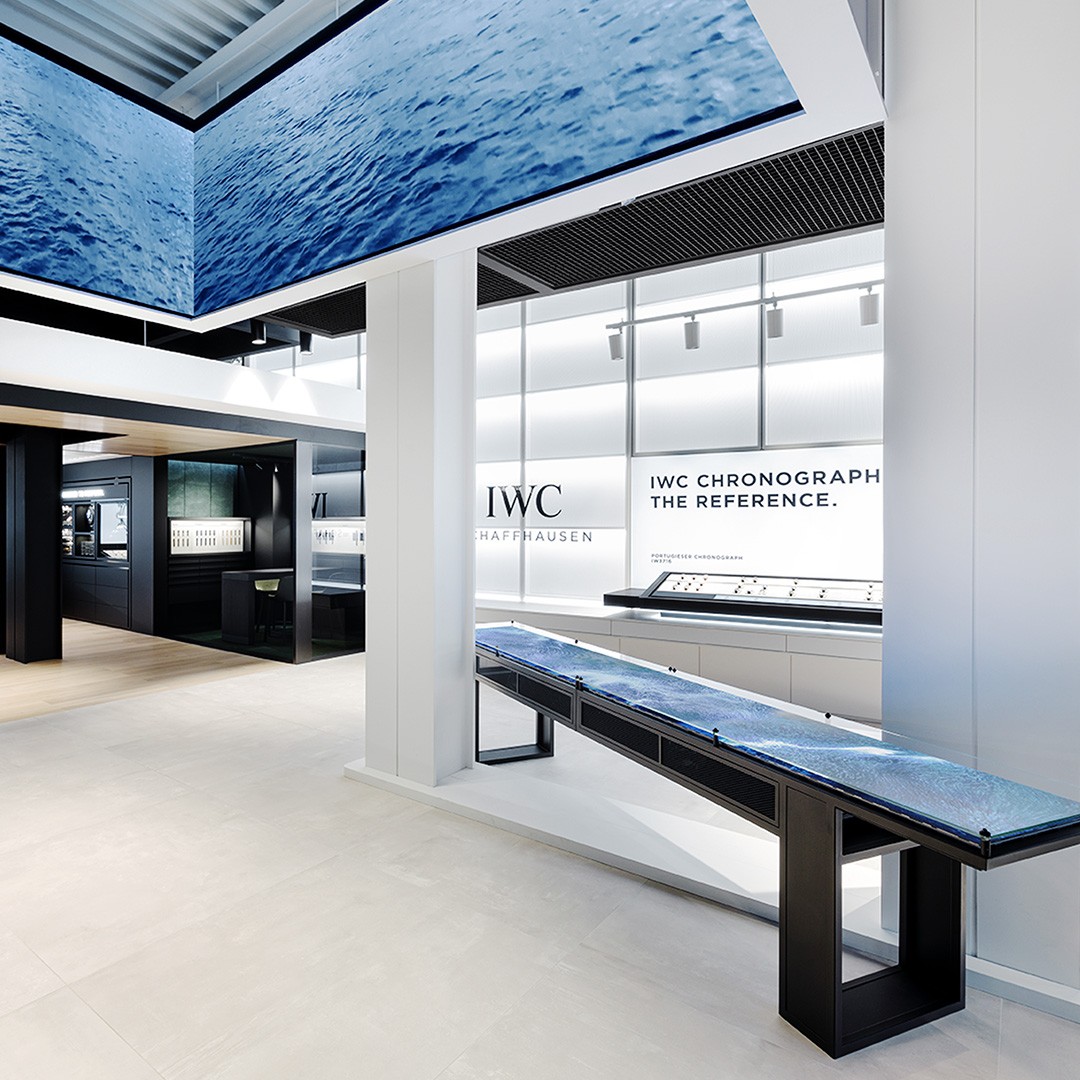
Premium interactive artwork installation inside IWC boutique
textsssss
15s film (16:9, 4K) · 45 stills
textsssss
15s film (16:9, 4K) · 45 stills
textsssss
15s film (16:9, 4K) · 45 stills
textsssss
15s film (16:9, 4K) · 45 stills
textsssss
15s film (16:9, 4K) · 45 stills
textsssss
15s film (16:9, 4K) · 45 stills
Project Summary
Time of Origin was my first case at Baast where I could shape the visual language through photo and video. It started as a classic production problem. Capture the interaction well. Make it feel premium in post. Build a set that represents the work. Then it became a product problem. Once we had to publish it on the redesigned website, I had to think beyond “best frame.” I had to think about what happens when the frame is cropped, scaled down, placed next to type, and asked to tell the story fast. The question I carried through the whole project was this. What becomes the representative image when the work is experienced through a page, not a room?
Result
Challenge
The challenges arrived in layers.
First, we did not yet have a clear internal baseline for case study hero assets. No consistent framing standard. No reliable still library. No shared reference for what premium documentation looks like in our own work.
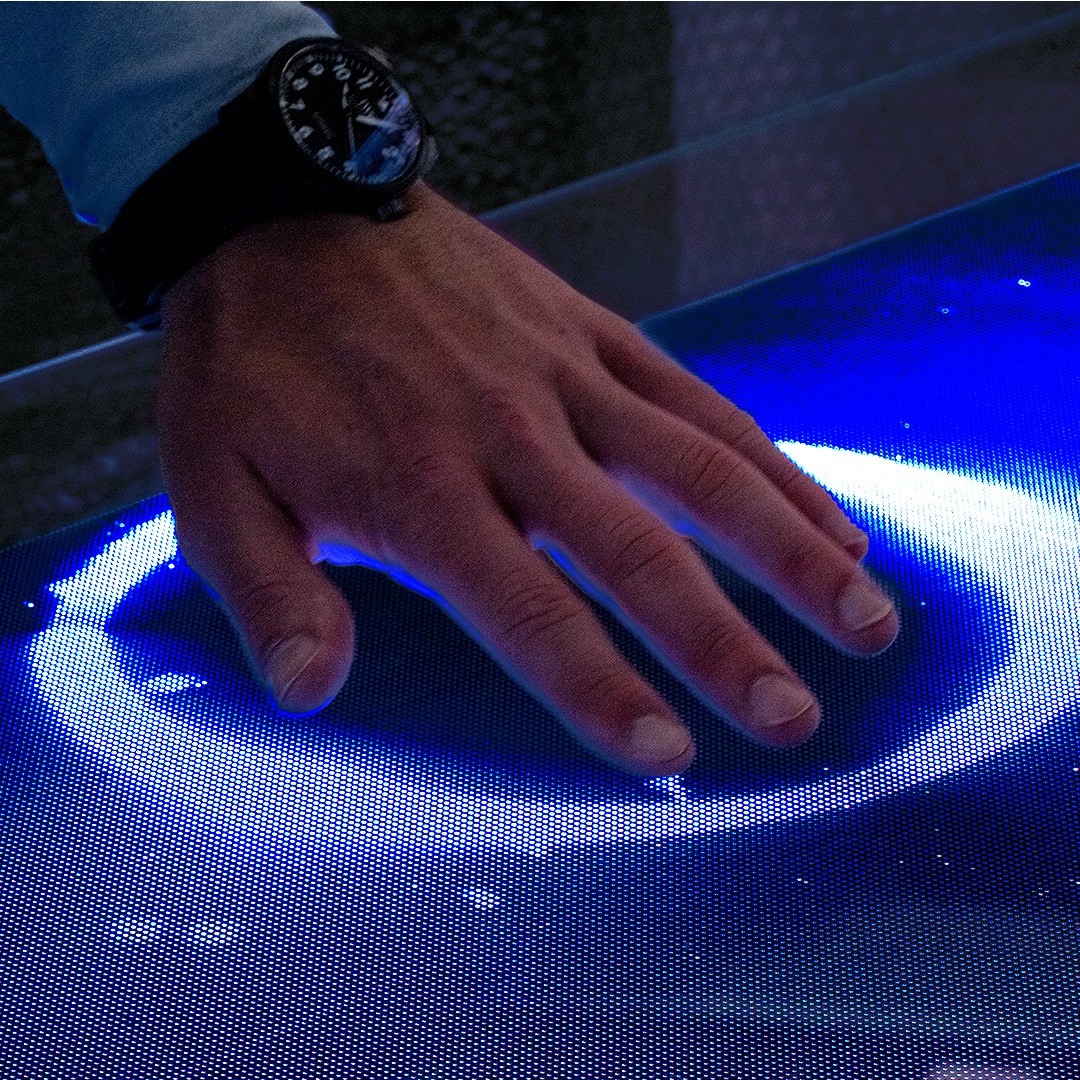
Second, the installation itself is easy to capture badly. The interaction is broad. Hands move left to right. The canal-like “water” responds to gesture, and the colour transitions from green to blue. If timing and framing are off, it reads like a demo. Busy. Explanatory. Slightly cheap.
Third, the website case study page design came later than the first case study source production, that the camera does not warn you about. Grid, crop, padding, hierarchy, scale, and sequence. So I had to iterate the production to fit into the website design afterward.
Approach
The process wasn’t linear. It looped. Audit, shoot, test, correct. Then shoot again with better intent.
1
Archive audit and gap map
I started in the drive. Not looking for “best.” Looking for “usable.” I sorted what existed into three buckets: already strong, potentially useful, and not usable for a case study. From that audit, two gaps became obvious: Interaction moments that feel smooth and premium, not chaotic Context frames where the table has presence and reads as the main character in the space That gap map became my first shot list. It also gave me a baseline for tone. What already feels like Baast. What doesn’t.
2
On-site capture and look-finding in post
With the gap list in mind, I went on-site for video and photography. The shoot intention was simple, but strict. Capture interaction without over-explaining it. That meant cleaner gestures, calmer timing, and compositions with enough breathing room to feel premium. Back in the studio, I explored through editing and colour grading. This was the learning-heavy part. Camera behaviour, exposure decisions, how much contrast is too much, and how to keep the green-to-blue transition elegant instead of loud. I tested versions until the tone felt coherent. At this stage, I was still thinking mostly in “asset quality.”
3
Container test on the redesigned website
This is the point where the work matured. At this moment, the Baast website was being redesigned. Emma was leading UI design, and Christina was shaping the editorial styling and presentation. When we began placing assets into the actual case study layout, it immediately exposed what the asset set could not support yet. For example, layout placement created new requirements that the shoot did not automatically satisfy: Some slots needed negative space for text or UI rhythm, not a centered subject Some frames lost the gesture when cropped to fit a module ratio Some images repeated the same composition, so the page felt visually “stuck” Some strong shots were too directional, so they could not flex across placements That was my turning point. I stopped judging images only as images. I started judging them as components inside a system. This is where my one-second rule became practical. If a frame doesn’t communicate fast on the page, it cannot carry the case study, even if it’s beautiful. This is also where I realised we needed a deliberate mix of image types. Product-clear images build trust. They explain what it is. But alone, they can feel dense and factual. Abstract and mood frames do something else. They are less explanatory, but they trigger emotion. They create premium atmosphere and curiosity. This is where your “mood ribbon” idea becomes functional, not decorative. So I re-edited the archive and my new material with layout rules in mind. Then I wrote a second gap list, based on what the page still couldn’t say.
4
Second visit and final curation
With that new gap list, I returned on-site. This shoot was less exploratory. More surgical. I focused on: Object-clear angles that survive crop and scale Variants that give flexibility across modules and ratios Additional mood frames that can sit next to product-clear frames and lift them emotionally Then I curated the final selection like editorial layout. Pairings, pacing, repetition control, contrast, and breathing room. The goal was to make the case study feel intentional in a small number of frames. A clear hero anchors the viewer. A relevant abstract frame sparks emotion. Together, the work starts reading like a campaign, not documentation.
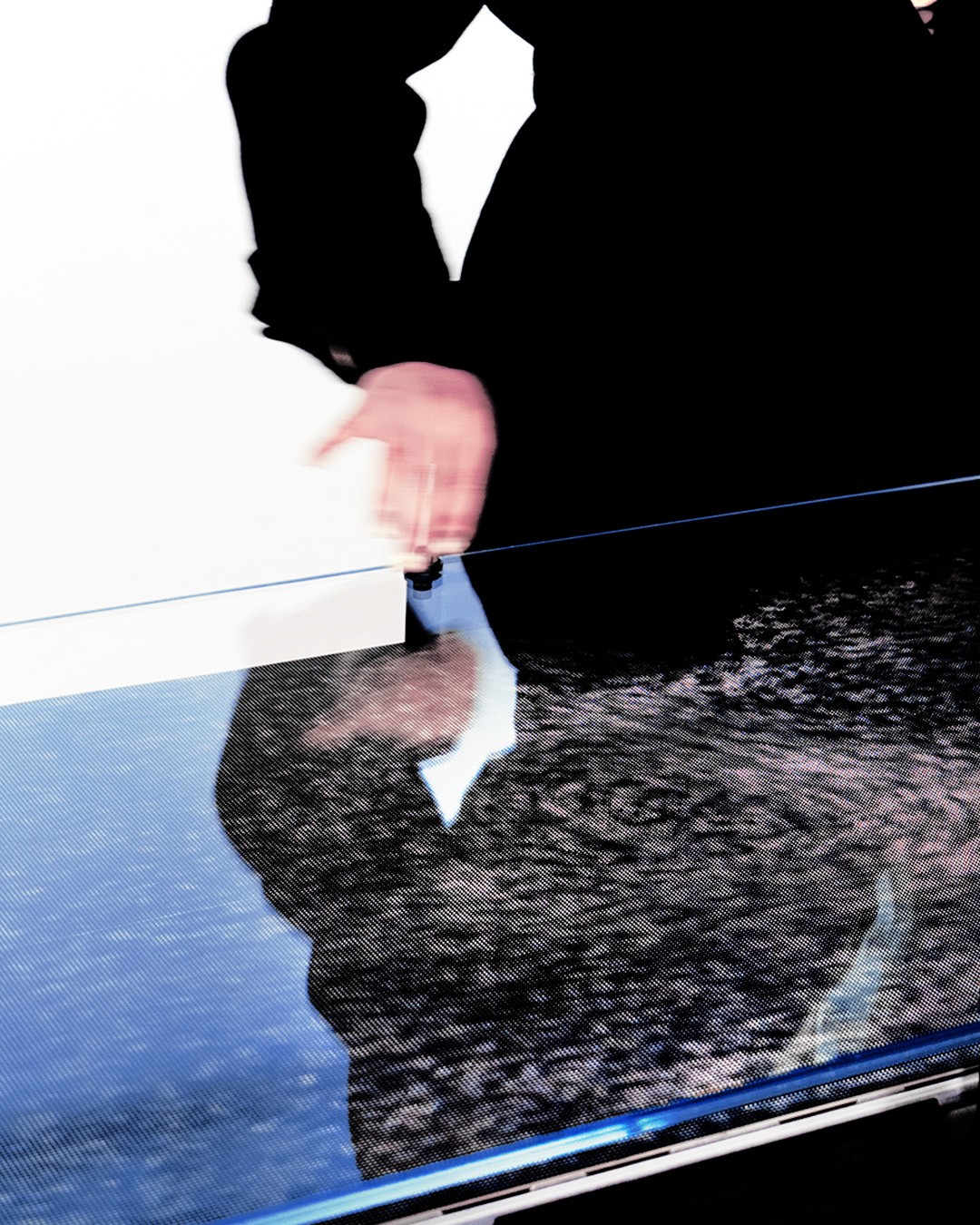
Interaction Shots
Gesture-led sequences that show responsiveness without explanation
(1)
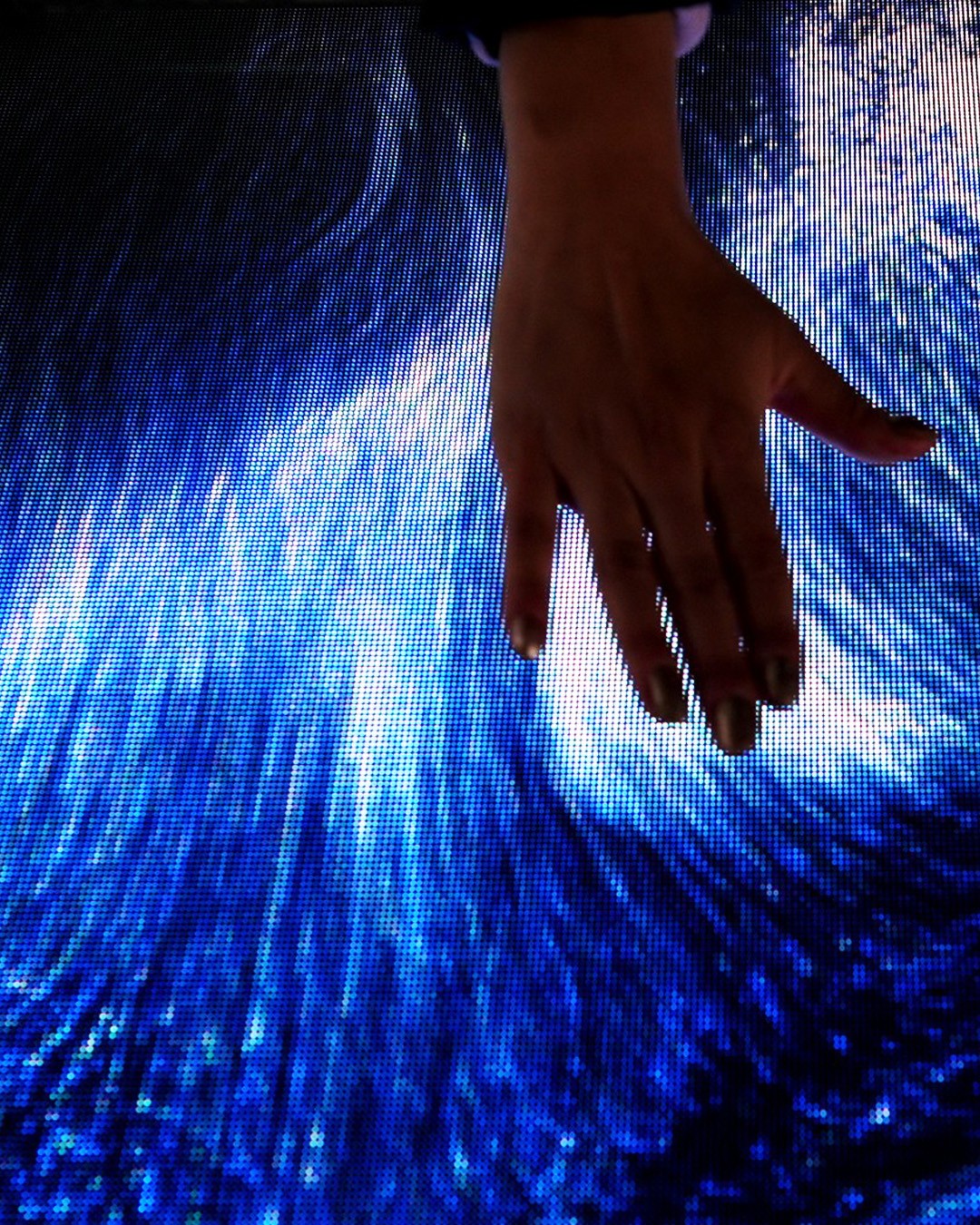
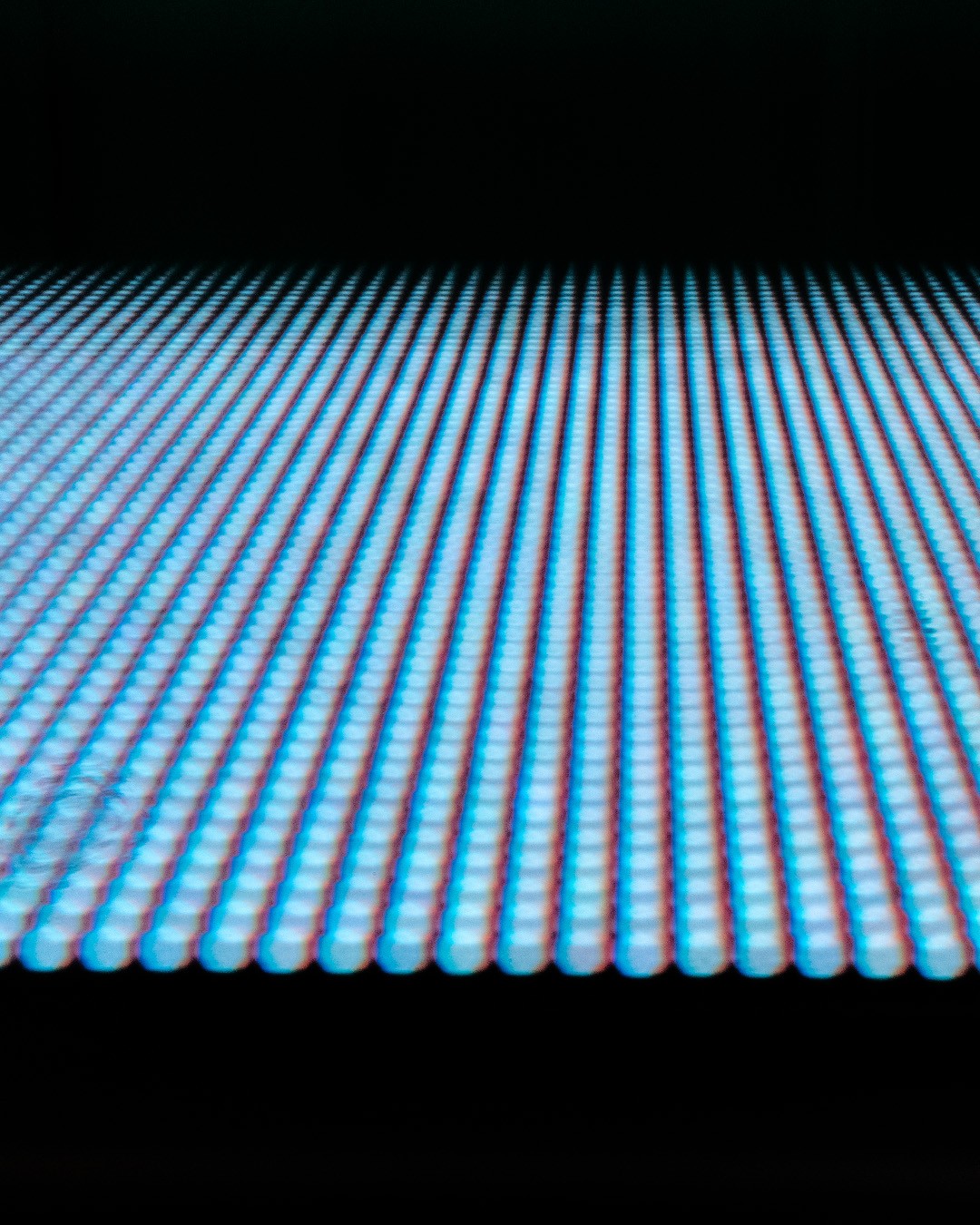
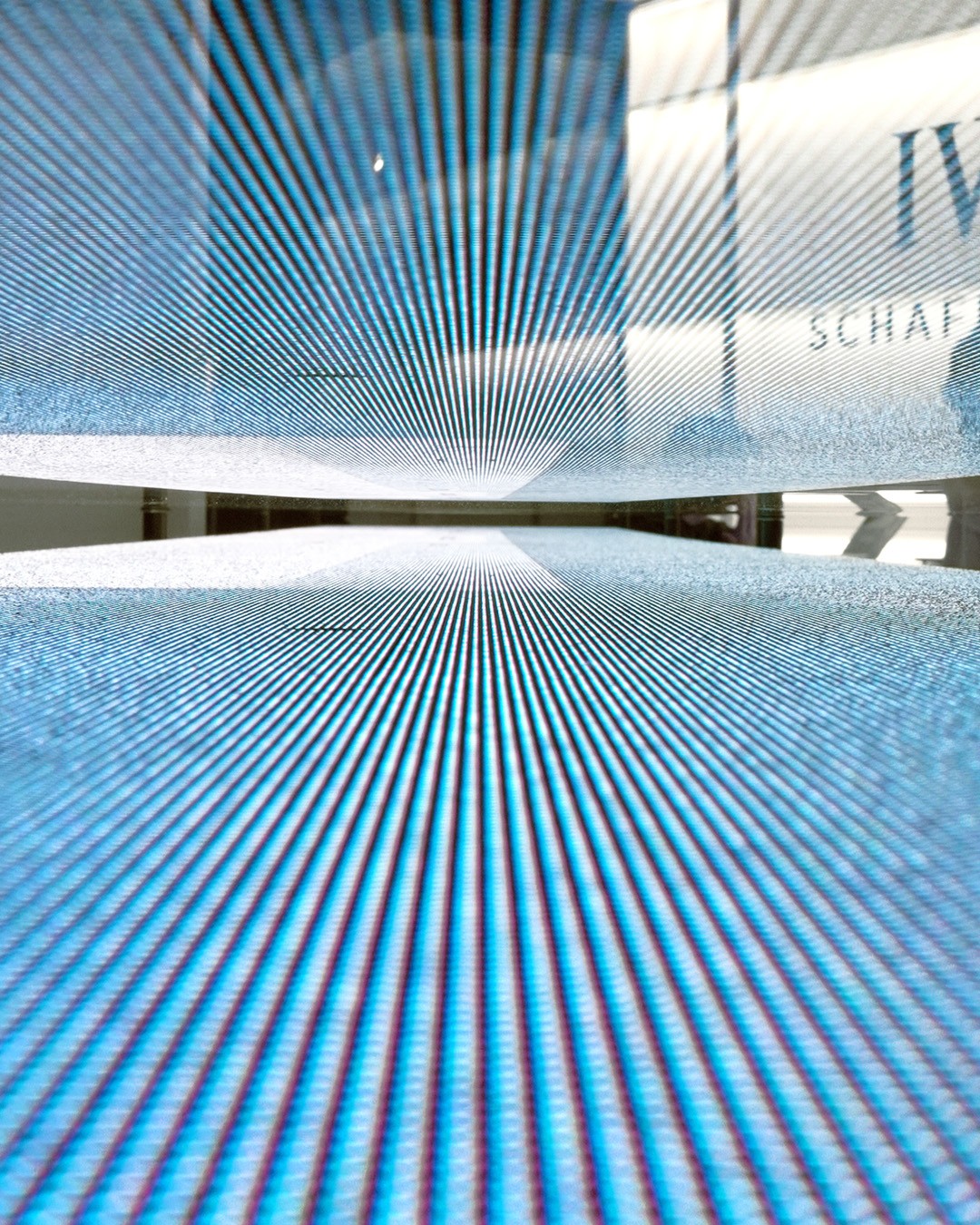
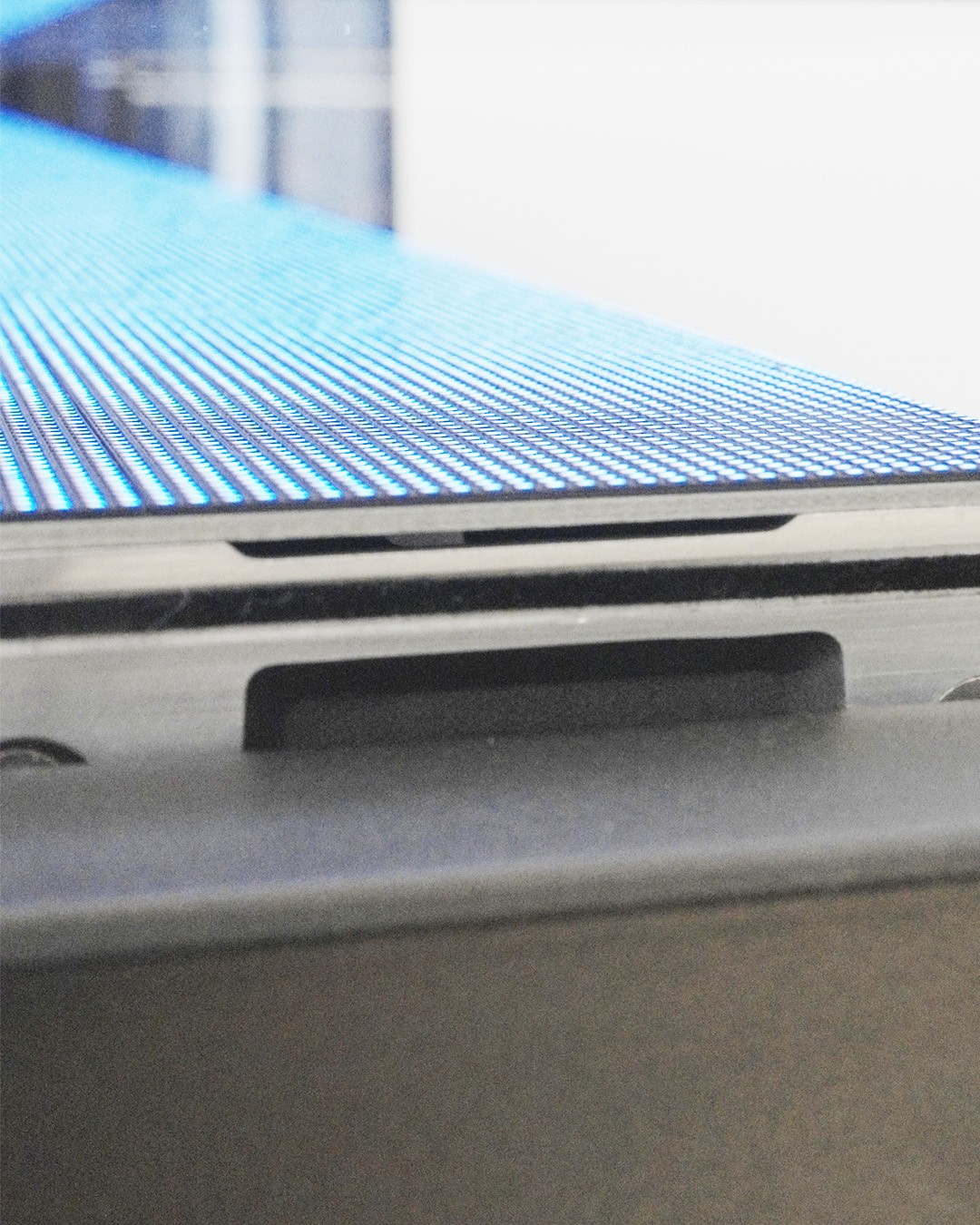
Universe Shots
Close framing that implies craft, material quality, and the universe theme
(1)


Production
The first visit was discovery. I needed to understand what the interaction looks like when it is captured well, not only experienced live. The second visit was purpose-driven. By then, the container had already shown us the weak points. So I shot for coverage that actually supports a page.
Edit
My editing shifted halfway through.
In the beginning, it was look-finding. I was testing pacing, selection, and tone to find the premium version of the work.
Once the website layout existed, editing became curation under constraints. I started editing with questions like:
Can this frame work as a module, not only as a fullscreen still
Does it still hold when cropped to ratio A and B
Do we have enough variety for the page rhythm, or are we repeating one angle
Does the sequence move between explanation and emotion
Grade
The grade aimed for restraint and consistency. Green-to-blue transitions can become loud quickly. I kept the treatment controlled so the work feels premium through coherence, not heavy processing.

Pre-grade / Post-grade — preserved colour truth, added depth and restraint for a premium tone.
Deliverables + Use
Hero video: 45 seconds, 4K and Full HD, cinematic ratio
Stills: 45+ curated images
Used in practice: 10+ images applied across presentations, final website, and socials as source assets
Key Learnings
This project changed my definition of “Done.” I used to think the endpoint was a strong-looking output. Now I treat the endpoint as usability in context. The container is part of the brief. It also changed how I approach visual production now.
Audit first. Shoot the gaps. Quick test, Quick failure. Fill what fails. Curate the final set as a system as possibly. That is my growth from Time of Origin - from visual exploration, to brand tone setting, to asset usability thinking.
Check out the work related to the development of the study case page, which was carried out on the same timeline as this project: case study page design and development.